Workout Progress
This guide explains how to start and complete your workout using the Fabulous50s Vitality App.
How to Start a Workout
Step 1: Select a Workout
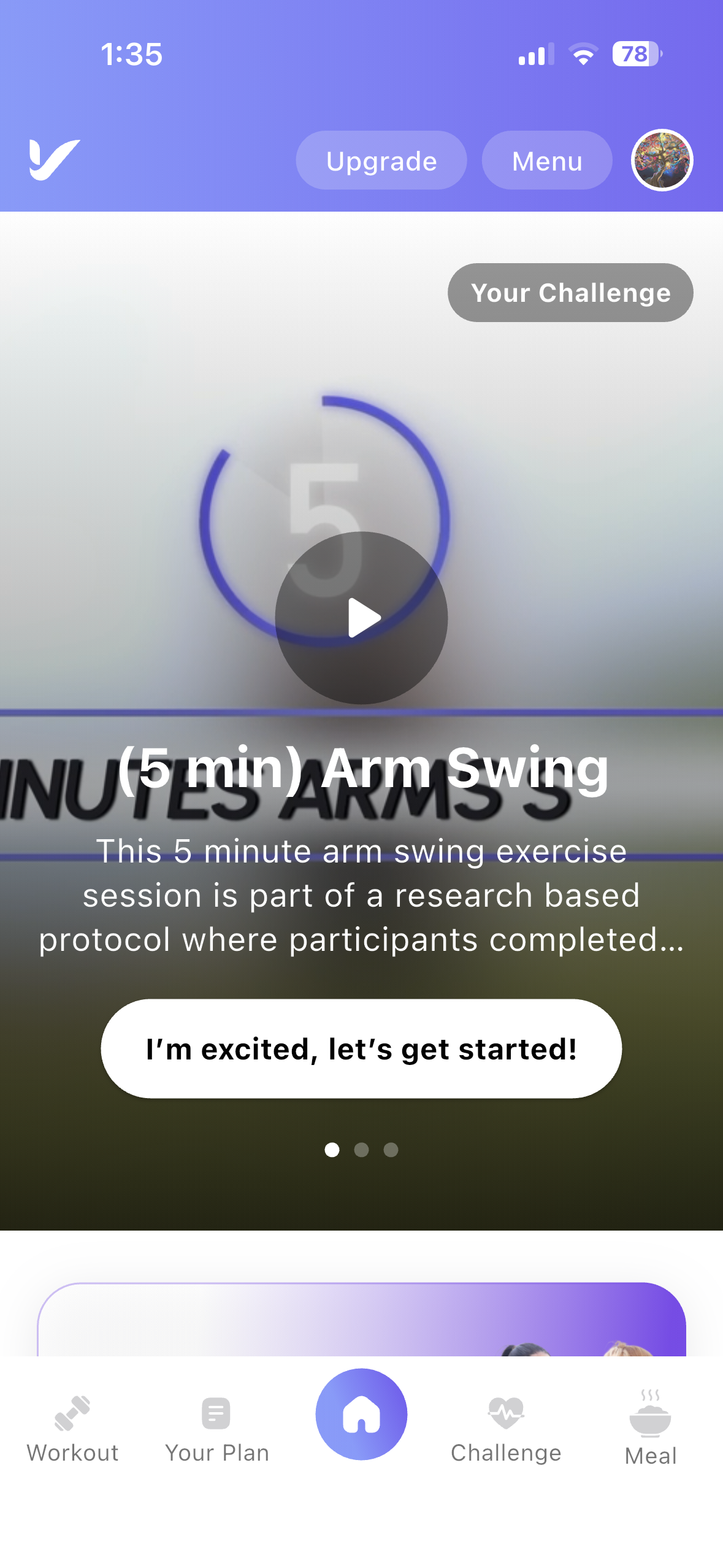
- Navigate to the Dashboard or Your Plan: Open your assigned workout for the day.
- Select a Workout: Tap on any workout card to view its details.
Step 2: Workout Details
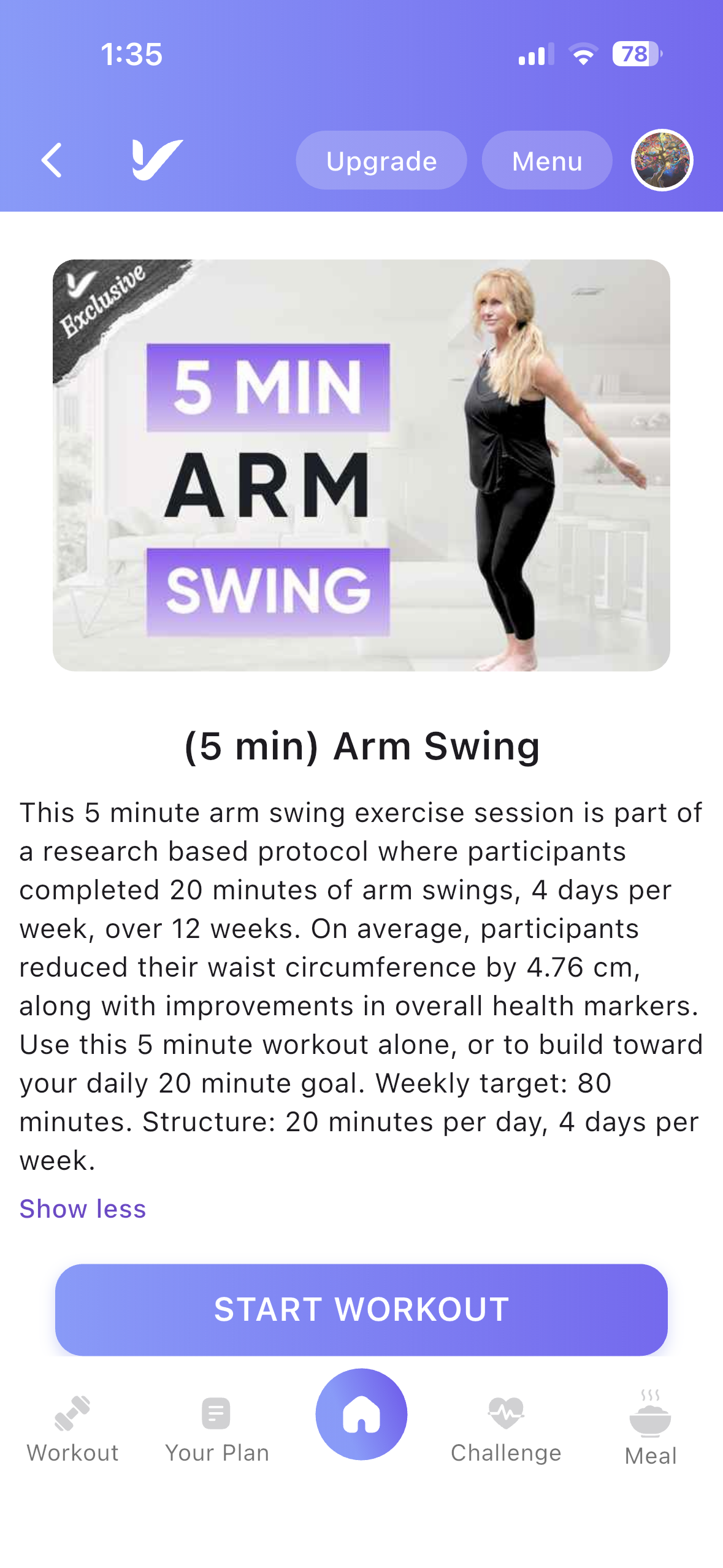
Once you select a workout, you will be redirected to the Workout Details page.
Workout Details Features
- Workout Thumbnail: Displays the workout preview image for easy identification.
- Workout Description: View information about the selected workout before starting.
- Start Workout: Tap the Start Workout button to begin your exercise session.
- Add to Favourites: Tap the Add to Favourites button to save the workout for quick access later.
Workout Completion
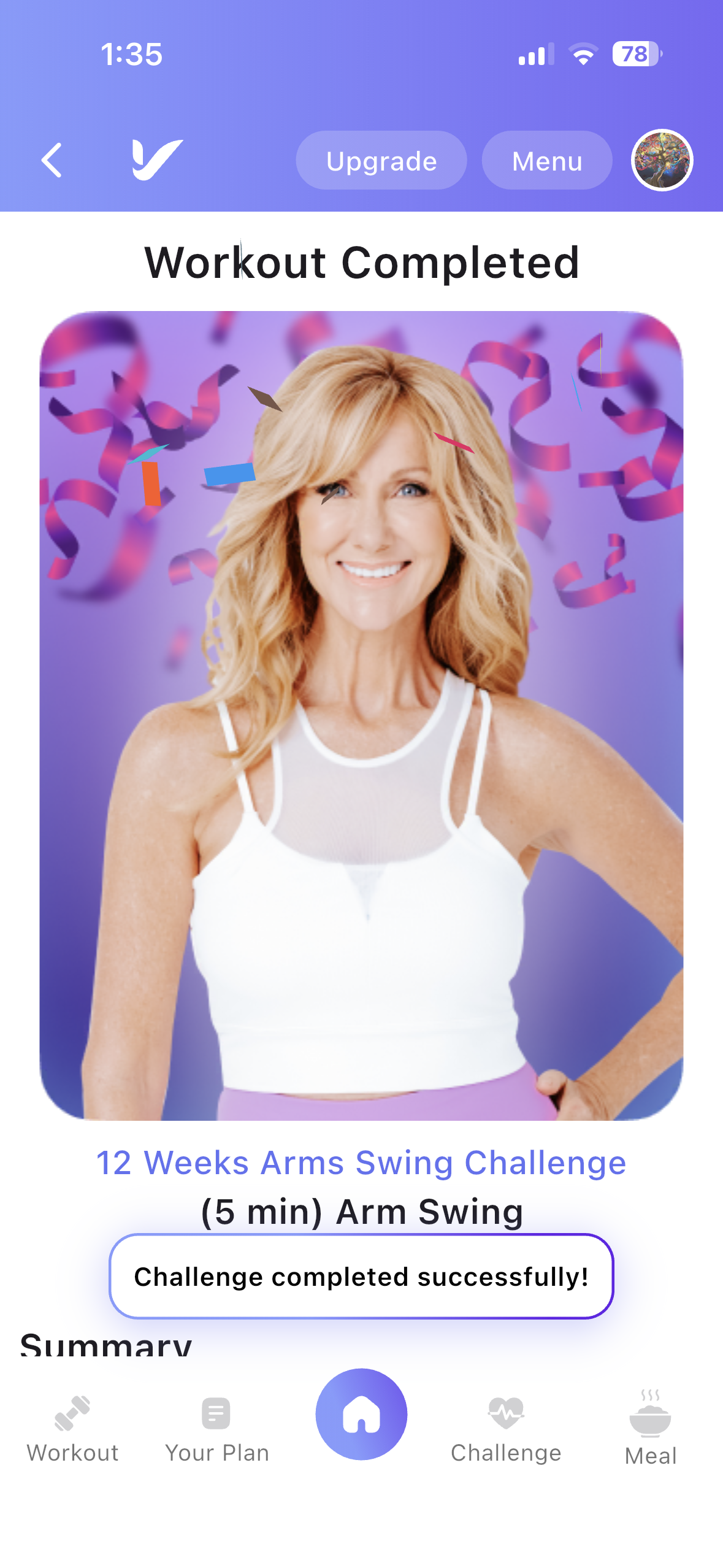
Workout Completion Screen
When all exercises in the workout are completed, you will be redirected to the Completed page.
- Workout Summary: View the total time spent on your workout.
- Move to Next Workout: If you have more workouts assigned for the day, you can easily move to the next workout by clicking the arrow button on the Congratulations page.