10. Meditation
The Meditation section offers a tranquil and focused space where users can engage in mindfulness practices to support mental clarity, emotional balance, and overall well-being. Integrated seamlessly within the app, this feature complements your physical wellness journey with daily mental care.
Description:
Guided meditations to improve sleep, reduce stress, and increase mental clarity. Includes breathing exercises and calming soundscapes.
🌿 Purpose of Meditation
In today’s fast-paced world, mental well-being is just as important as physical health. This section is designed to:
- Encourage daily mindfulness habits
- Help reduce stress and anxiety
- Support mental clarity, emotional control, and better sleep
- Provide a quick mental reset to improve productivity and focus
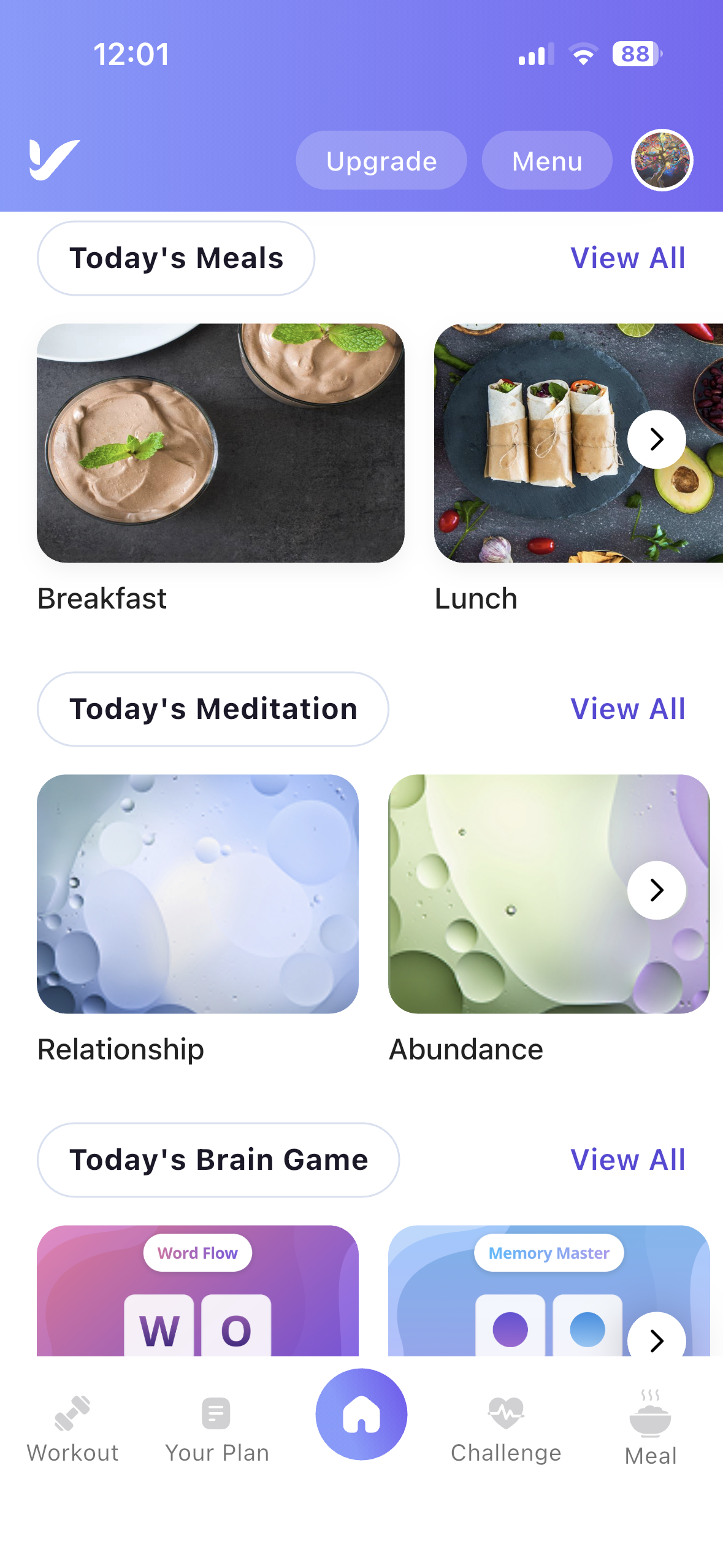
Today Meditation: There is an allocated section for Meditation on the Dashboard.
ℹ️ How to Use
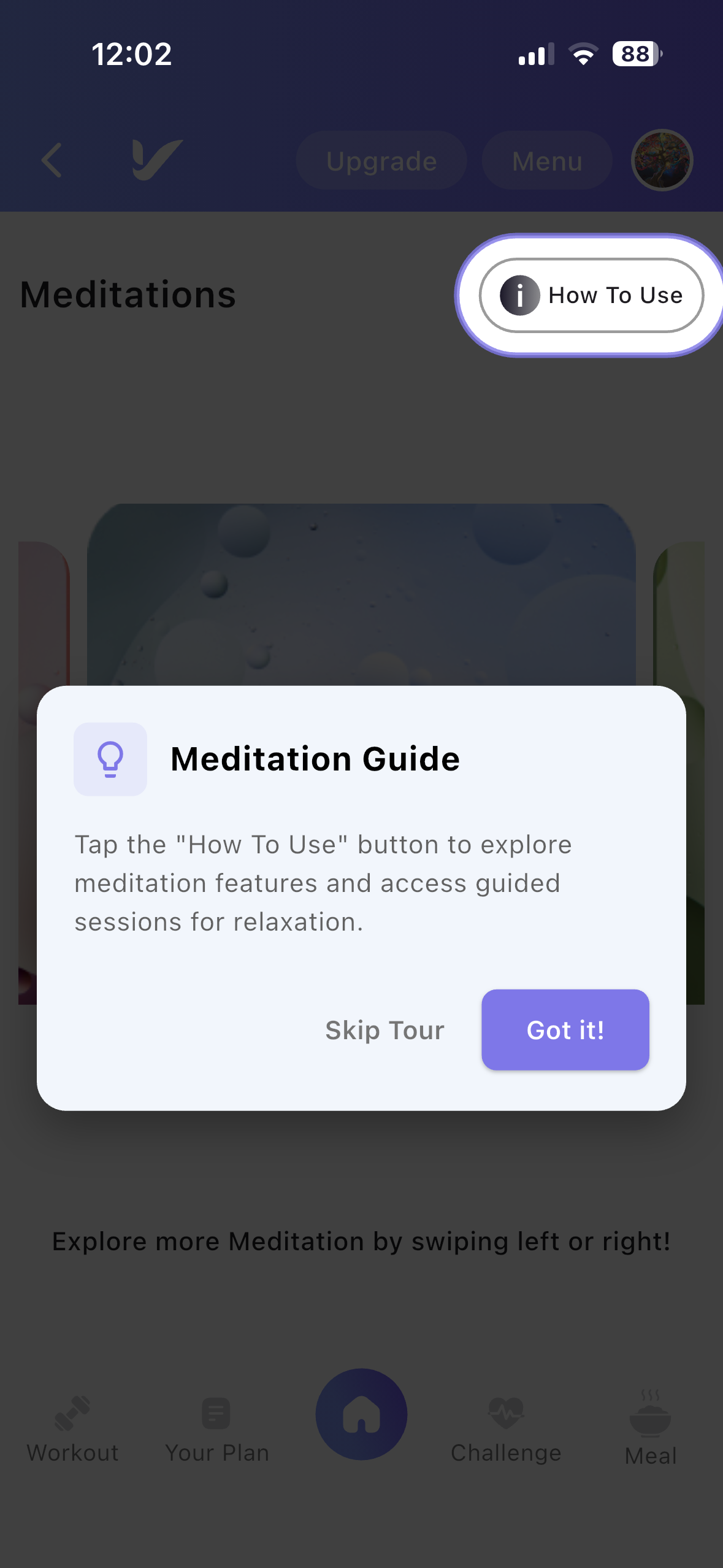
A How to Use button is available in the top-right corner of the Meditation page.
Tap this button to learn how to browse meditation categories, start a meditation session, and manage your favourite meditations.
🧘 Meditation Categories
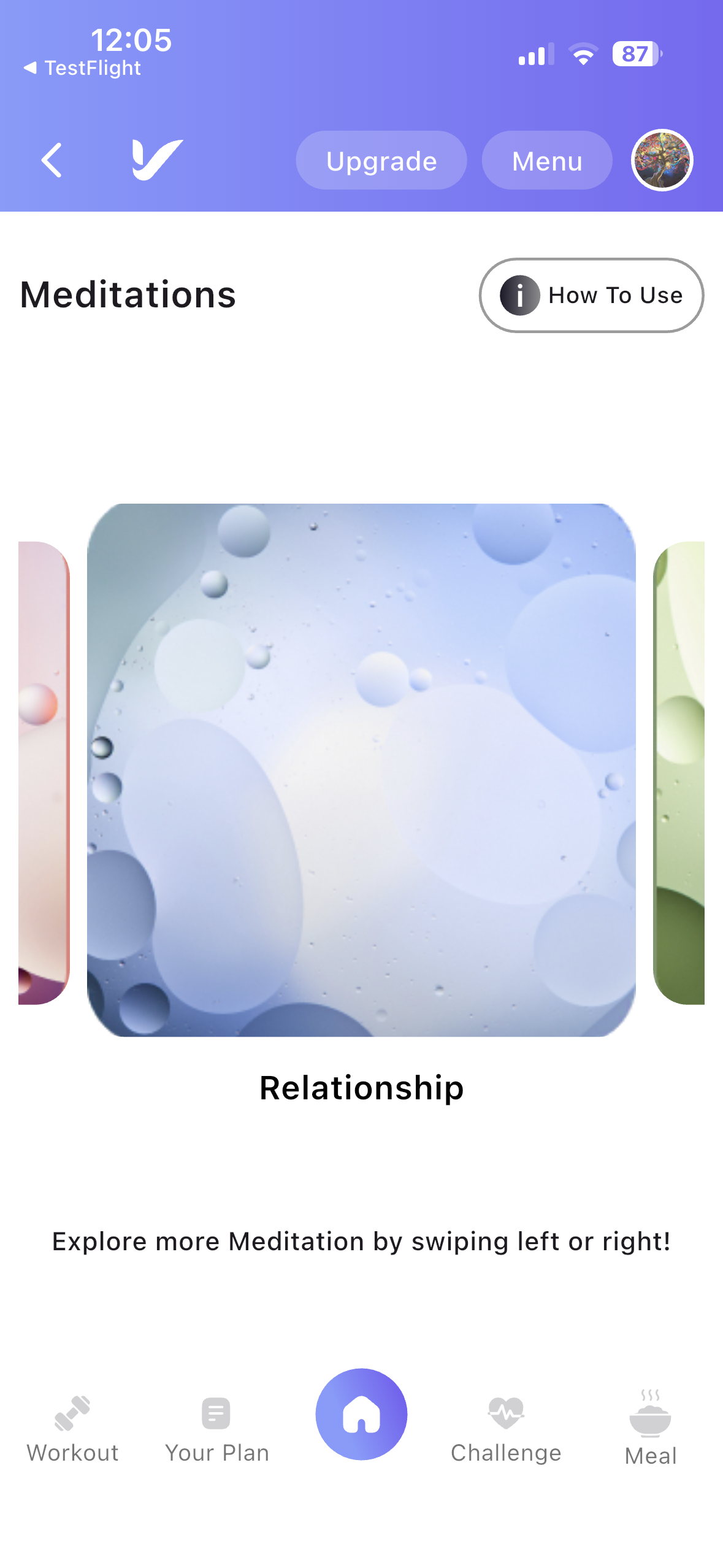
The Meditation section includes a variety of guided meditation categories to suit different wellness goals.
Available categories include:
- Relationship
- Abundance
- Deep Sleep
- Osteoporosis Healing
- Wellness
- Relaxation
- Calm & Relax
Users can browse these categories to find meditation sessions that best match their current needs.
📖 Meditation Details
Tap any meditation category to open its details page.
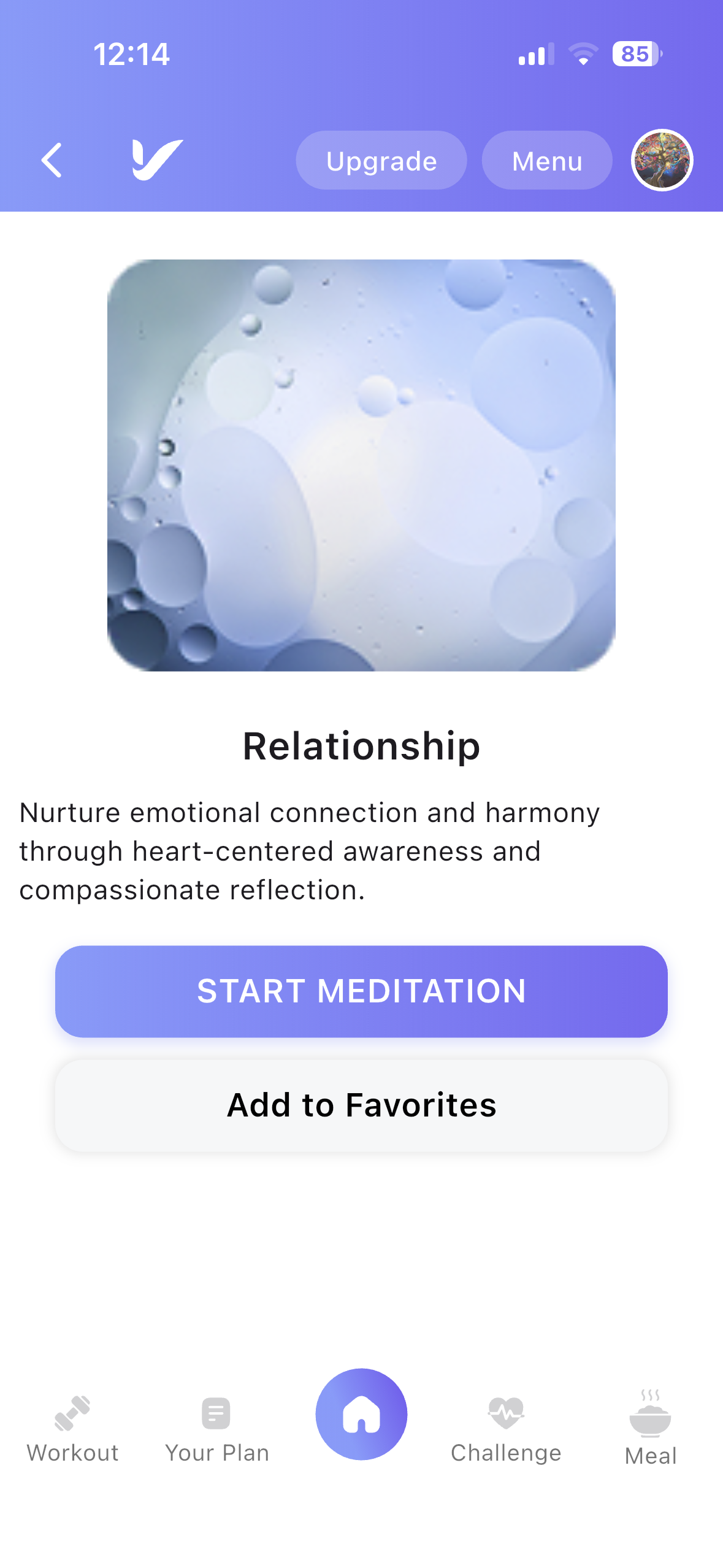
The Meditation Details page displays:
- Meditation title
- Meditation description
- Session information
▶️ Start Meditation
When you are ready to begin:
- Open a meditation.
- Review the meditation description.
- Tap the Start Meditation button.
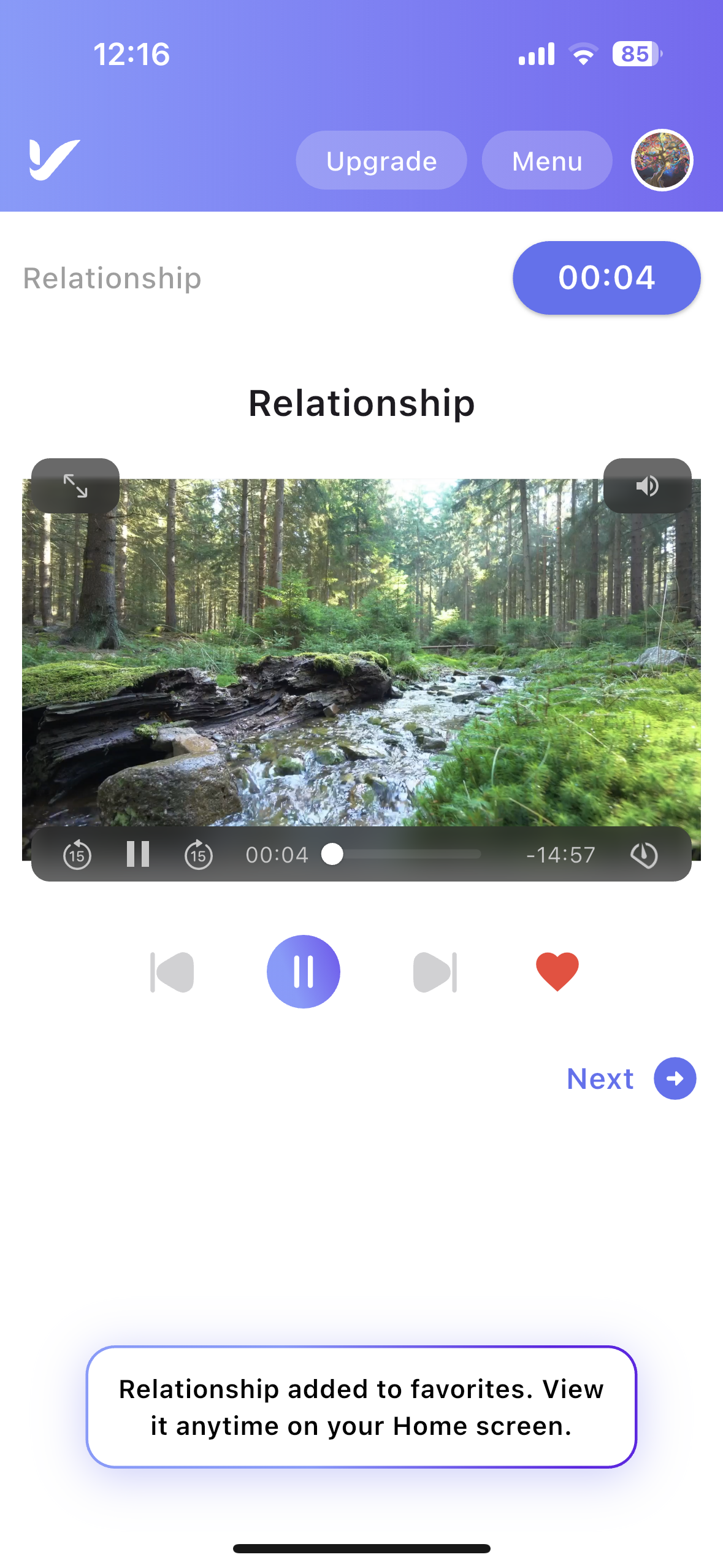
The guided meditation video will begin playing within the app.
Users can pause, resume, or replay the meditation at any time.
❤️ Add to Favourite
To quickly access your preferred meditation sessions:
- Open any meditation.
- Tap the Add to Favourite button.
The meditation will be saved to your favourites for easy access later.
This helps users stay in the moment and focus on mindfulness without multitasking.