11. Menu
The Menu is your central navigation hub, providing quick access to all major features of the Fabulous50s Vitality app. Designed for simplicity and convenience, it allows you to easily navigate between workouts, meal plans, challenges, meditation, and other wellness tools from a single location.
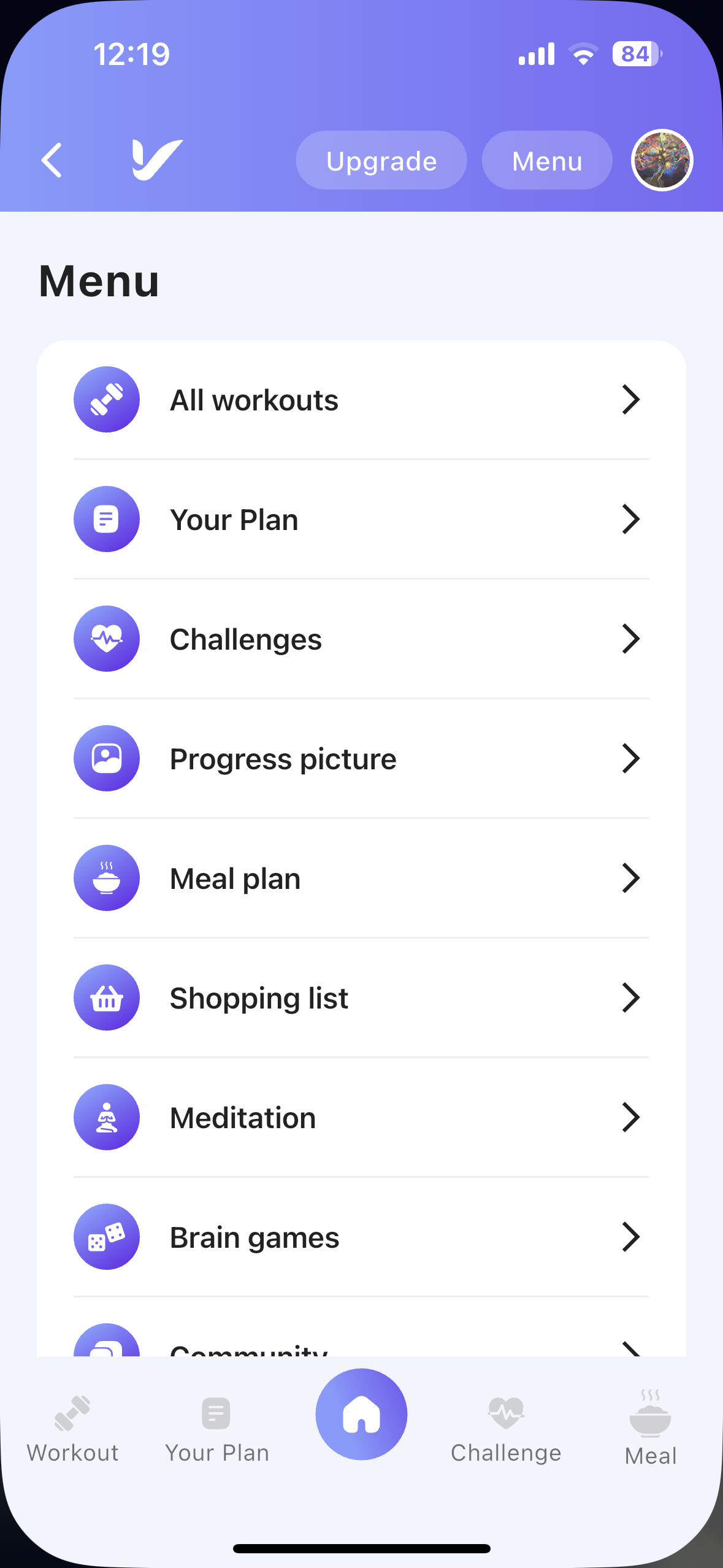
Description:
Access all major features of the app from one convenient location.
How It Works
Tap the Menu button located in the top-right corner of the app to open the Menu screen. From here, you can quickly navigate to different sections of the app.
Menu Options
| Menu Option | Description |
|---|---|
| All Workouts | Browse the complete workout library available in the app. |
| Your Plan | View and manage your personalized workout schedule. |
| Challenges | Join challenges and monitor your active challenge progress. |
| Progress Picture | Capture and compare your transformation photos over time. |
| Meal Plan | Access your selected meal plan and weekly meal schedule. |
| Shopping List | View the automatically generated shopping list based on your meal plan. |
| Meditation | Explore guided meditation sessions to support relaxation and mindfulness. |
| Brain Games | Improve memory, focus, and cognitive skills through interactive brain games. |
| Community | Connect with other members, share progress, and stay motivated. |
| Cast to TV | Cast workouts and guided sessions to a compatible Smart TV for a larger viewing experience. |
| Settings | Manage your account, preferences, notifications, and application settings. |