Create Category
1.1 Steps to Create a New Category
To ensure your workouts are properly categorized, follow the steps below to create a new category in the admin panel:
✅ Step-by-Step Instructions
-
Log In to the Admin Panel
Access the Workout platform using your admin credentials. -
Navigate to Categories
- From the top menu, click on the Training drop-down.
- Select Categories from the list.
-
Create a New Category
- Click the Add (+) icon to initiate category creation.
-
Enter the Category Name
- In the Name input field, use the following format:
- All lowercase letters
- Prefix the name with
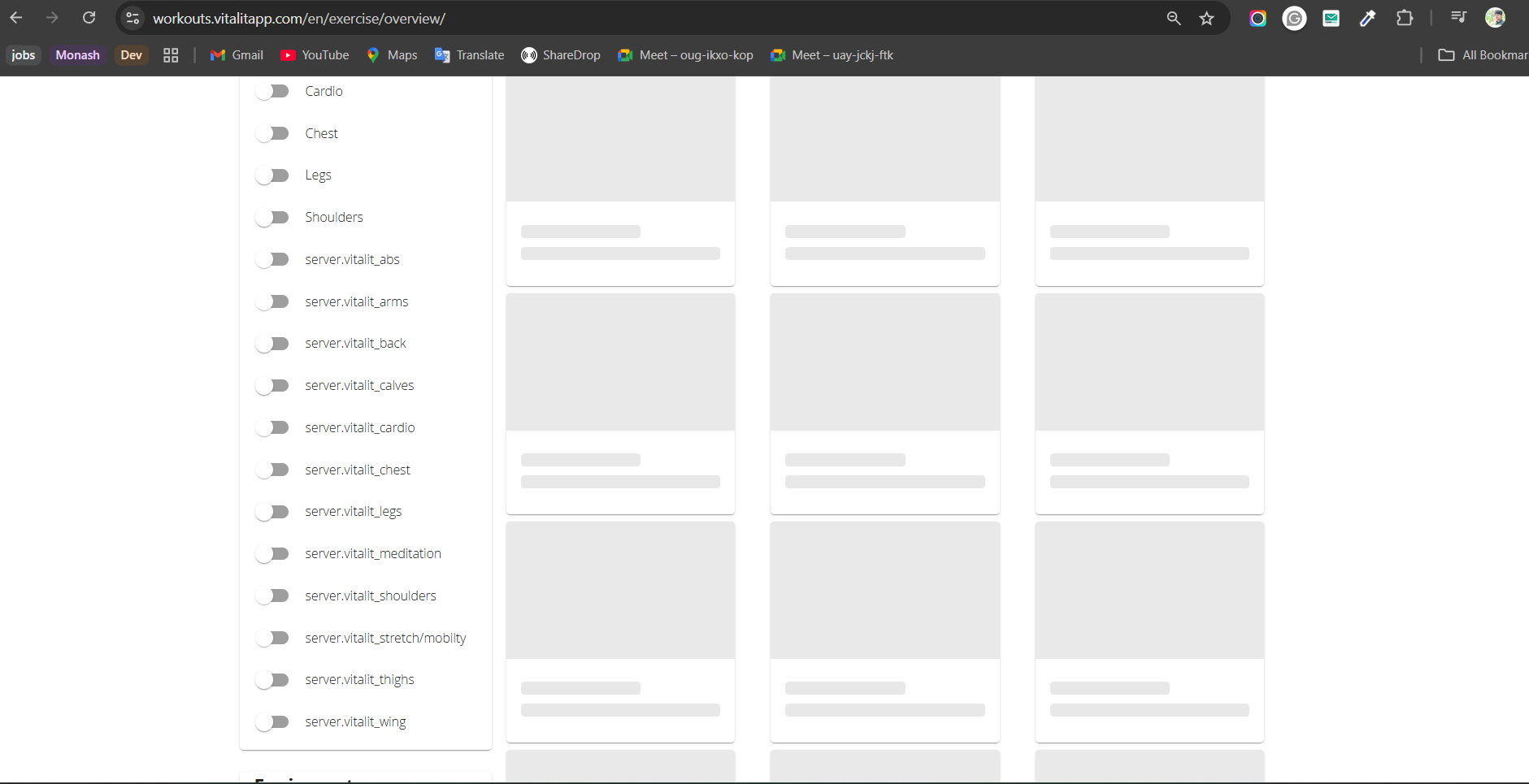
vitalit_
- Examples:
-
vitalit_arms -
vitalit_legs -
vitalit_abs
-
📝 Naming Format Reminder:
Use only lowercase letters, with no spaces or numbers. - In the Name input field, use the following format:
🔄 Category Update Timing
- Once a new category is added, the update will reflect after 24 hours.